Documenting in brief
The whole idea in about half a minute. · 0:32
Steps
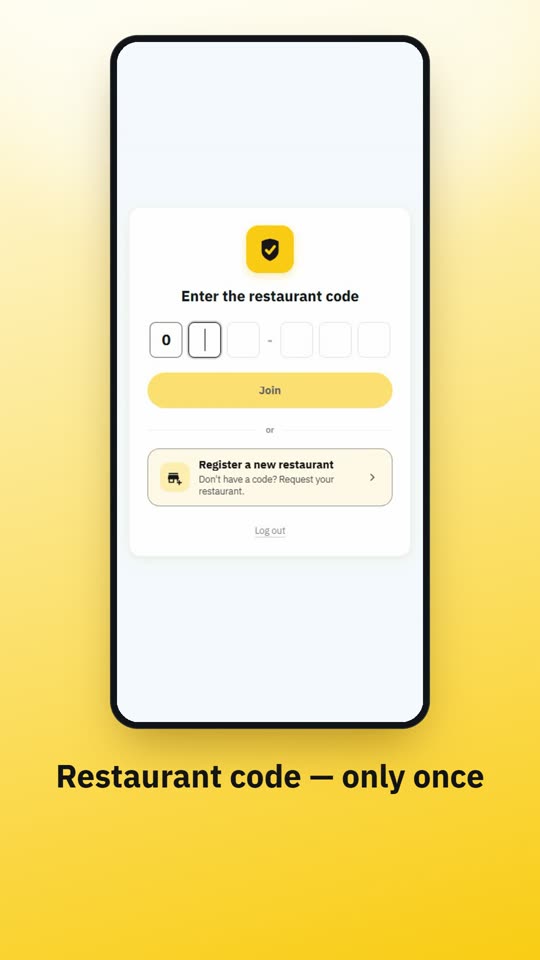
- 1The first time: sign in with your mobile number and the verification code, then the restaurant code from your manager.
- 2With every order: tap “New Order” and type the last 4 digits of the order number.
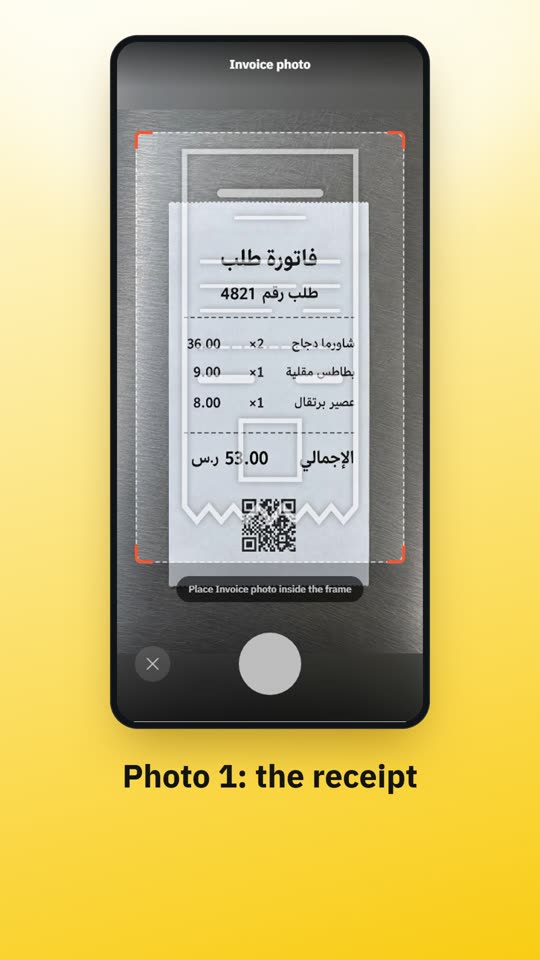
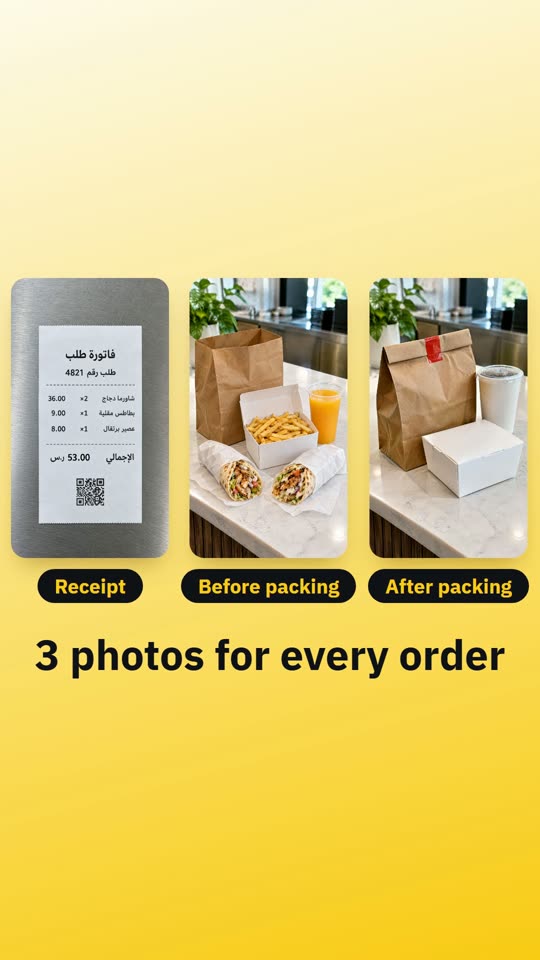
- 3Take three photos: the receipt, the order before packing, and the order after packing.
- 4The photos reach Raqeb automatically. There is no send button.