Documenting an order
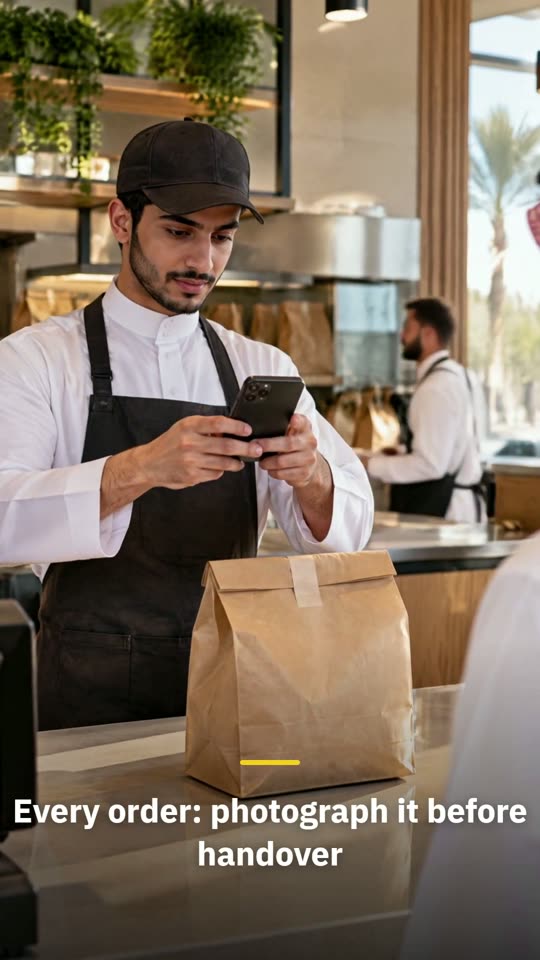
Five steps for every order, before you hand it to the driver. · 0:34
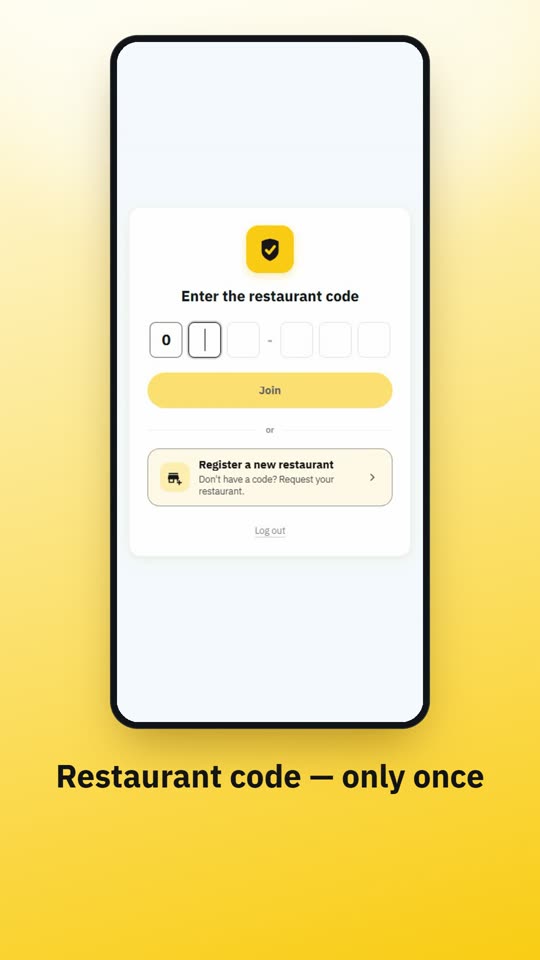
Steps
- 1When the order is ready, tap “New Order”.
- 2Type the last 4 digits of the order number, as they appear in the delivery app.
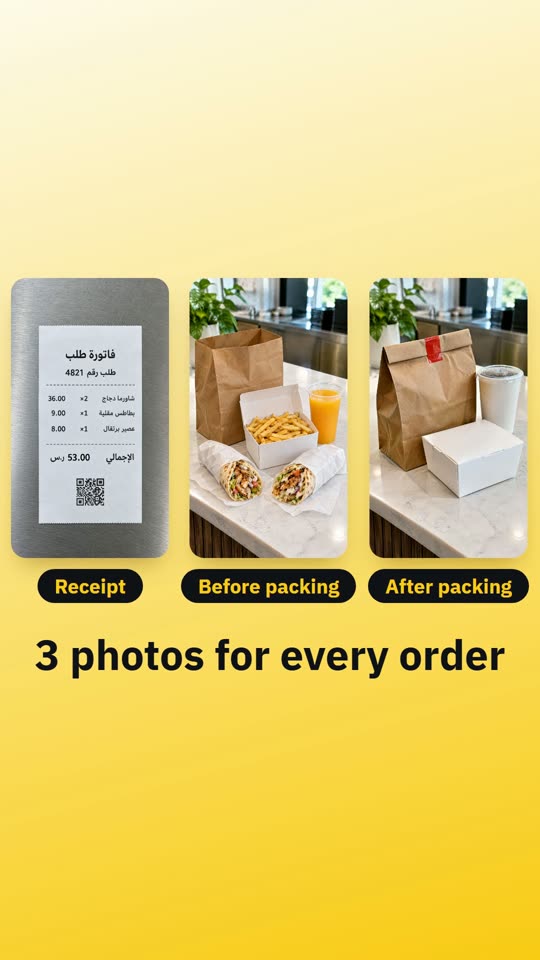
- 3Take a photo of the whole receipt, inside the frame.
- 4Take a photo of the order before packing, so all the food shows.
- 5Take a photo of the order after packing, with the bag closed.
The photos reach Raqeb automatically. There is no send button. Then: “New Order” for another order, or “View List” to see the orders you documented.